
Good company.
One more game.
The group chat. The late-night call. The plan for Saturday.
There’s a place for all of it here.
A place for your
Communities.
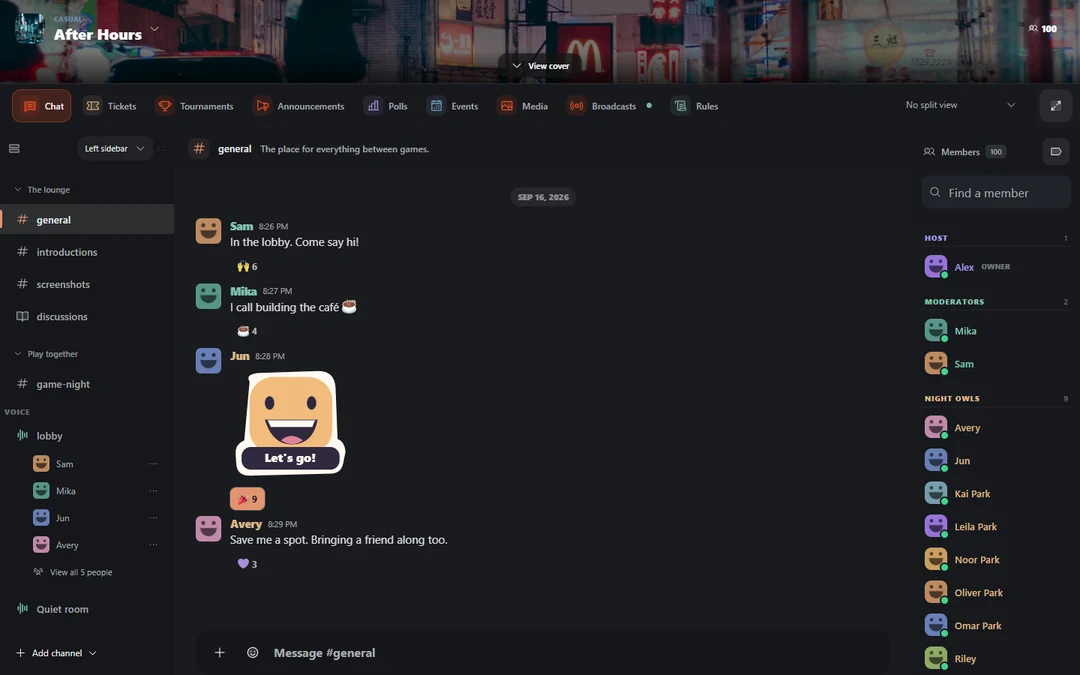
Keep game nights, screenshots, and everyday chat in their own channels. Join voice when typing takes too long.
Browse communitiesVOICE CHANNELSMic on.
Mic on.
Come on in.
Join the channel and you’re in the call. Mute, share your screen, or put some music on. The controls stay within reach.
A look at Joying’s voice room, with sample members.Keep the
Conversations
going.
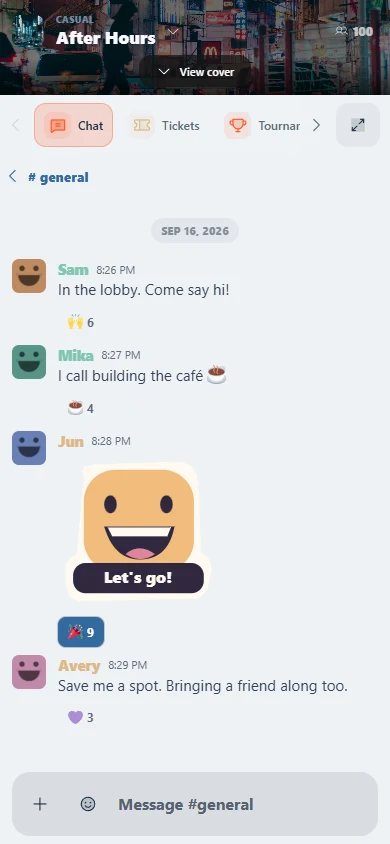
Away from your desk? Open Joying in your phone’s browser. Your chats and communities are there too.
Open in your browserMake room for
Plans.
Pick a time, post an event, and see who’s coming. Less scrolling back through the chat to find the plan.
Joying works in your browser. No download needed.